Ranking Volatility: Diagnose Drops in Search Console
By Tim Francis · June 1, 2026 · 9 min read
Quick Answer
To diagnose ranking volatility after a core update, confirm the drop is real in Google Search Console by comparing date ranges, then isolate whether it is sitewide or page-specific, rule out tracking and seasonal causes, and only then plan changes. Most apparent drops are smaller or more specific than they first appear once you look at the data carefully.
Key Takeaways
- Confirm the drop is real first by comparing equal date ranges before and after the suspected change in Search Console.
- Separate a sitewide change from a page-specific one, because the cause and the fix are completely different.
- Rule out boring causes: tracking errors, seasonality, accidental noindex tags, and broken internal links.
- Distinguish lost impressions from lost clicks; a click drop with steady impressions points to titles, snippets, or intent.
- During a core update rollout, expect noisy data for up to two weeks before drawing firm conclusions.
- Prioritize affected pages by business value so you fix what matters before what is merely visible.
- Save a baseline export so every future update gives you a clean comparison instead of guesswork.
Why a Drop Is Rarely What It First Looks Like
When traffic falls after a core update, the first reaction is usually worst-case: the whole site is in trouble. Almost every time we investigate one of these for a client, the reality is narrower and more fixable than the panic suggested. The drop is concentrated on a few pages, or it is a click problem rather than a ranking problem, or it turns out a tracking change happened the same week. Diagnosis is the work that turns a scary chart into a specific, solvable problem.
The good news is that Google Search Console gives you almost everything you need to do this for free. You do not need expensive tools to confirm what happened. You need a calm, repeatable process and the discipline to follow it before you start editing pages.
How Do I Confirm the Drop Is Real?
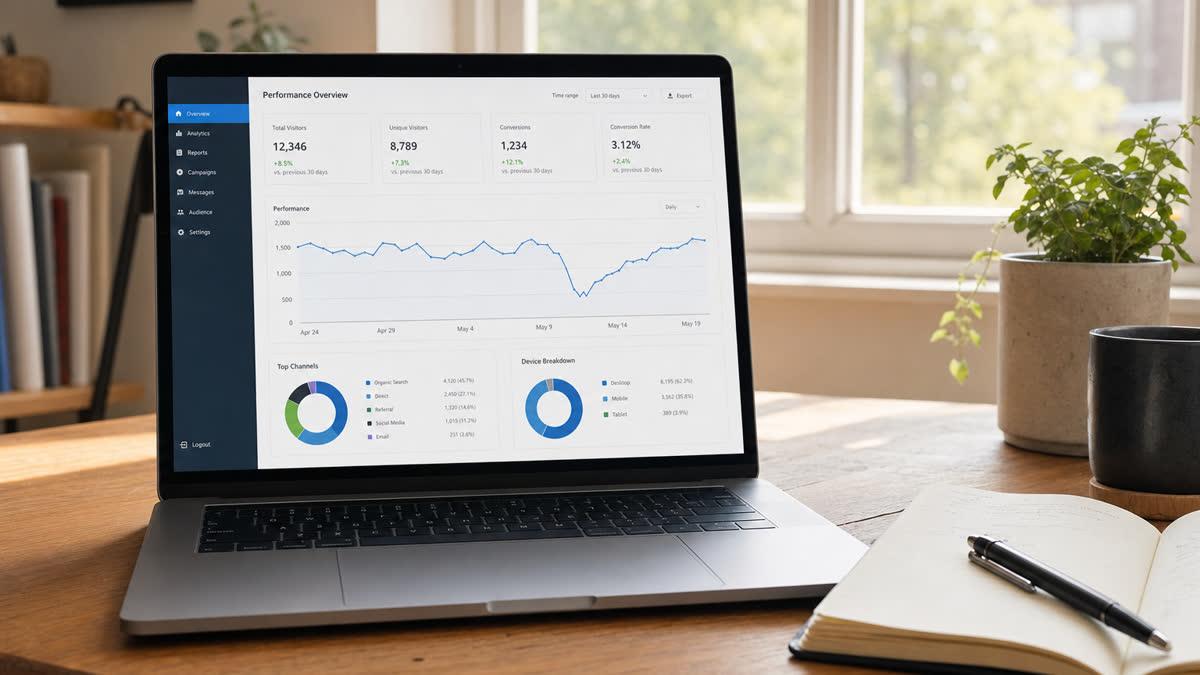
Start by confirming the drop exists at all, because a surprising number do not survive a careful look. In the Search Console performance report, set a comparison between two equal periods, such as the 28 days before the suspected change and the 28 days after. Equal length matters; comparing a 14-day stretch to a 30-day stretch will mislead you every time.
Then read the shape, not just the totals. A real, update-driven decline tends to be a step change that begins around the rollout date and holds. A single bad day that recovers within the week is noise. A slow drift that started a month before the update has a different cause entirely. The date the change began is one of the most useful pieces of evidence you have, so find it precisely.
Remember the timing caveat. The May 2026 core update rolled out starting May 21 and could take up to two weeks to settle. During that window the data is genuinely unstable, with dips and recoveries that are part of the rollout rather than a verdict on your site. Drawing firm conclusions on day four is a good way to be wrong.
Is the Change Sitewide or Page-Specific?
This is the most important branch in the whole diagnosis, because the two situations have different causes and different fixes. Open the Pages view in the performance report and compare your top pages across the same before-and-after periods. If most pages declined together by a similar proportion, you are likely looking at a sitewide signal, which points toward broad quality questions of the kind a core update raises.
If instead the decline is concentrated, say a single section dropped sharply while everything else held steady, the cause is specific and the fix should be too. A page-specific drop often has a page-specific explanation: the content went stale, a competitor published something genuinely better, the search intent for that query shifted, or something technical broke on those particular URLs.
Getting this branch right saves enormous effort. Treating a page-specific problem as a sitewide crisis leads to a needless overhaul. Treating a sitewide quality signal as a one-page issue leads to a patch that does not address the real message. Let the Pages view tell you which world you are in before you commit to a plan.
What Boring Causes Should I Rule Out First?
Before blaming the update, rule out the unglamorous explanations that account for a large share of mystery drops. Check for tracking and analytics errors first; a misfired tag or a changed measurement setup can make traffic look like it vanished when it did not. Check seasonality, because many industries have predictable annual rhythms that a year-over-year comparison reveals instantly.
Then check the technical basics. We have seen confirmed "core update drops" that were actually an accidental noindex tag shipped in a release, a robots.txt rule that blocked a section, or a batch of broken internal links after a site change. These are easy to miss and easy to fix, and they have nothing to do with Google's update. Our piece on page experience for business owners covers the related performance checks worth running at the same time.
One more distinction belongs here. Look at whether you lost impressions or lost clicks. If impressions held steady but clicks fell, your rankings are probably fine and the issue is that fewer people are clicking, which points to title tags, snippets, shifting intent, or search features capturing the click before it reaches you. That is a different problem from a ranking decline, and confusing the two leads to fixing the wrong thing.
Turning Diagnosis Into a Plan
Once you know what happened, prioritize by business value rather than by the size of the drop. A ten percent decline on a page that drives real revenue deserves attention before a fifty percent decline on a page that never converted anyone. The chart does not know which pages matter to your business, so you have to bring that judgment to it.
For pages that genuinely lost ground in a sitewide, quality-driven decline, the work is the patient kind: improve real usefulness, strengthen experience and author signals, and remove or merge content that only ranked out of habit. For page-specific issues, make the targeted fix the diagnosis pointed to. Either way, change one thing at a time where you can, so you can measure the effect against your baseline.
That baseline is the habit that pays off forever. Export your Search Console data now and keep it. Every future update becomes a clean before-and-after instead of a guess about how things used to look. At Search Scale AI this disciplined diagnosis is the first thing we do for any client worried about a drop, and you can reach our team if you want help reading your own data carefully before you act.
How Do I Read the Queries Behind a Drop?
The Queries view in Search Console is where a vague drop becomes a specific story, and it is worth slowing down on. Compare your queries across equal periods before and after the suspected change and sort by the biggest movers. The pattern you find usually points straight at the cause. If you lost ground broadly across many unrelated queries, that is consistent with a sitewide quality signal. If you lost a tight cluster of related queries, the issue is more focused.
Pay attention to whether the lost queries were ones you ranked for strongly or ones where you were already marginal. Losing a position on a query where you sat at the bottom of the first page is ordinary movement; losing a query you owned is a more meaningful signal. The strength of your prior position changes how seriously to read the loss, and the Queries view shows you both sides of that comparison cleanly.
Also watch for intent shifts hiding in the query data. Sometimes a query you lost did not get taken by a competitor at all; the kind of result Google shows for it changed, because what searchers want from that query evolved. When that happens, the fix is not to make your existing page louder but to better match what the searcher now wants, which the query and the live results together will tell you.
What Common Misreadings Should I Avoid?
A few misreadings trip people up so reliably that they are worth naming directly. The first is comparing unequal date ranges, which manufactures a fake drop or hides a real one; always compare periods of the same length. The second is reading a single day as a trend, when the only readings that mean anything during and after a rollout are the ones that hold for weeks.
The third is confusing a click problem with a ranking problem. If your impressions held but your clicks fell, your positions are likely fine and the issue lives in your titles, your snippets, or in search features capturing the click before it reaches you. Rewriting page content to fix what is actually a snippet or intent issue is effort aimed at the wrong target, and the impressions-versus-clicks split is what keeps you honest about which problem you really have.
The fourth is assuming correlation is cause. A drop that happens to coincide with a rollout is not automatically caused by it; a technical change, a tracking error, or seasonality shipped the same week is a common culprit. Ruling out the boring explanations before crediting the update is what separates a real diagnosis from a convenient story, and it is the step most often skipped under pressure.
How Do I Build a Repeatable Diagnosis Routine?
The fastest way to take the fear out of ranking volatility is to turn diagnosis into a routine you can run the same way every time. Write the steps down so you are not improvising under stress: confirm the drop with an equal-period comparison, read its shape over weeks, check whether it is sitewide or page-specific in the Pages view, rule out tracking and technical causes, and separate a click problem from a ranking problem. A written routine means you never skip the step that would have explained everything.
Run that routine on a schedule, not only in a crisis. A monthly look at your Search Console trends, even when nothing seems wrong, builds the familiarity that makes a real change obvious the moment it appears. It also keeps your baseline current, so when an update lands you already have a clean recent picture to compare against rather than scrambling to reconstruct one. Regular, low-stakes checks are what make the high-stakes ones easy.
Document what you find each time, including the cases where the answer was nothing. Over a few months you accumulate a record of how your site normally behaves, which is exactly the context that separates a meaningful signal from ordinary noise. The businesses that stay calm during a rollout are not the ones with secret tools; they are the ones with a routine and a record. Build both, and a scary chart becomes just another data point you know how to read.
The Calm Way to Handle Volatility
Ranking volatility feels alarming, but a calm, repeatable process turns it into a manageable, even routine, part of running a site. Confirm the change is real, read its shape over weeks, work out whether it is sitewide or page-specific, rule out the boring technical and tracking causes, and separate a click problem from a ranking problem. Each step narrows a scary chart into a specific, solvable problem.
The habit that makes all of this possible is keeping a saved baseline and a simple change log, so every future update becomes a clean before-and-after rather than a guess. Slow down, follow the process, measure against the baseline, and the next bout of volatility will be just another data point you already know how to read.
Frequently Asked Questions
What is the first step in diagnosing a drop?
Confirm it is real by comparing equal date ranges in Search Console and reading the shape of the change over weeks, not a single day.
Why does sitewide versus page-specific matter so much?
Because the cause and the fix are completely different. A sitewide signal points to broad quality; a page-specific one needs a targeted fix.
What if impressions stayed flat but clicks dropped?
Your rankings are likely stable. Look at titles, snippets, intent shifts, and search features capturing clicks before users reach your result.